Version: 1.0
nufi-sms
📄 API documentation for sending messages
basic-url: https://api.nufisms.com/api/v1
1. authentication via API key
Each API user must authenticate by providing an API key in the request headers. An API key consists of two elements:
Public KeySecret Key(generated when the API key is created)
Authentication headers:
nufi-public-key: public key
Example headers:
nufi-public-key: your-public-key
2. Obtaining an API key
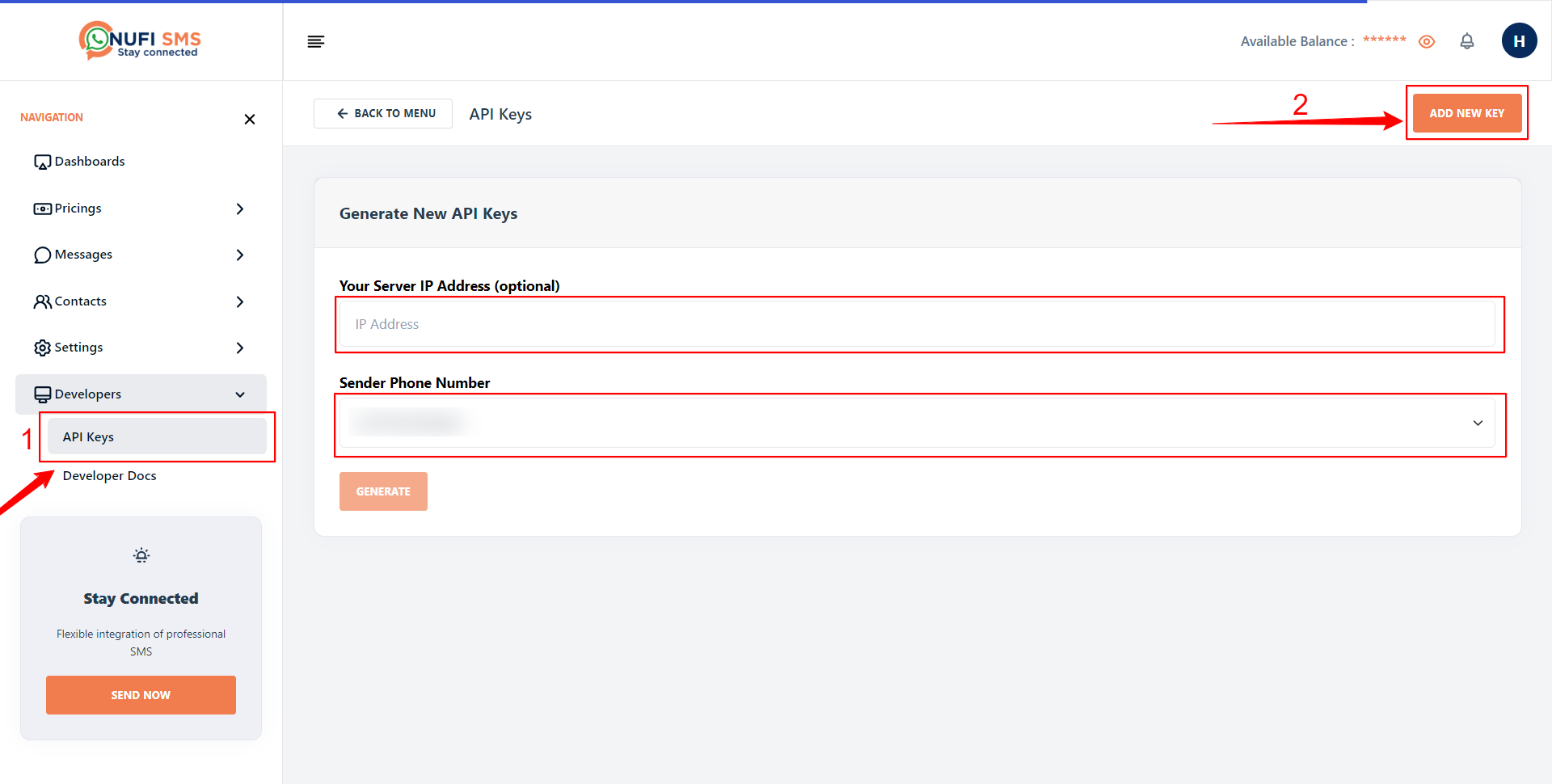
Before being able to use the APIs, users must first generate an API key from their account at https://nufisms.com/apis.
3. Revoking or updating an API key
If an API key needs to be revoked or updated, the user can contact the system administrator.
4. Error code
| Error code | Description | action |
|---|---|---|
| 502 | Bad Gateway | Verify Request |
| 200 | Message / OTP Send Succesfuly | any |
| 400 | Bad Request | Verify Request |